Around the workflow
Set up once, not every quarter
The four steps describe one plan. This is what stops the fifth plan costing as much as the first: the lane configured once, the fields your operation records, and the defaults nobody has to be told.












The setup
Configured once, carried forward
The Tuesday lane does not need re-solving every Tuesday. Settings, schedules, the fields your operation records and the defaults everyone works from are configured once and shared across the company, rather than kept in one planner's head.
Configure the lane once
The equipment, the rules and the settings a recurring shipment needs, saved as a preset and applied to the next one.
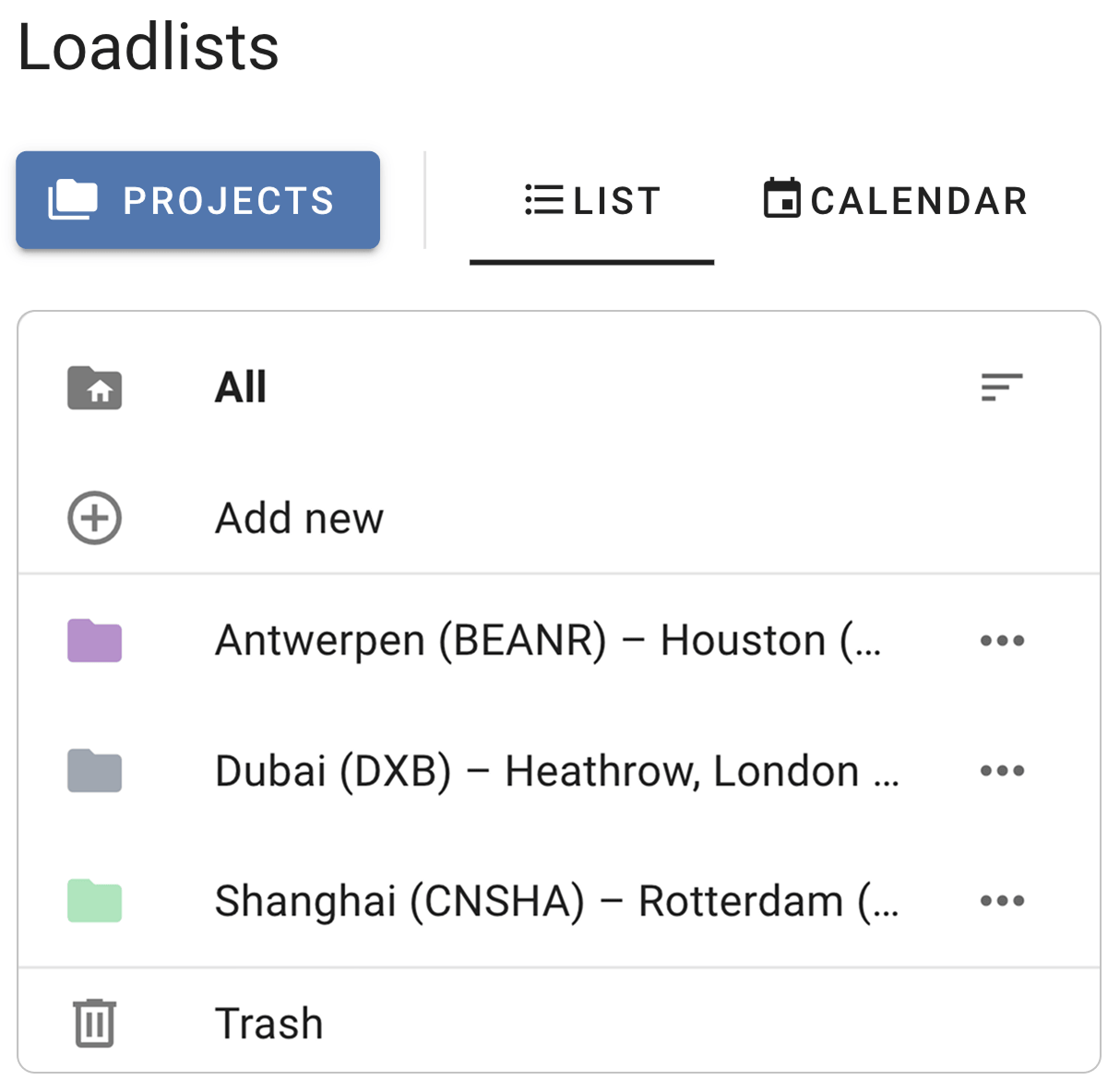
Projects
Load lists accumulate, and finding last month’s becomes its own job. Group them into projects — including recurring ones — so the work is organised the way the business is.
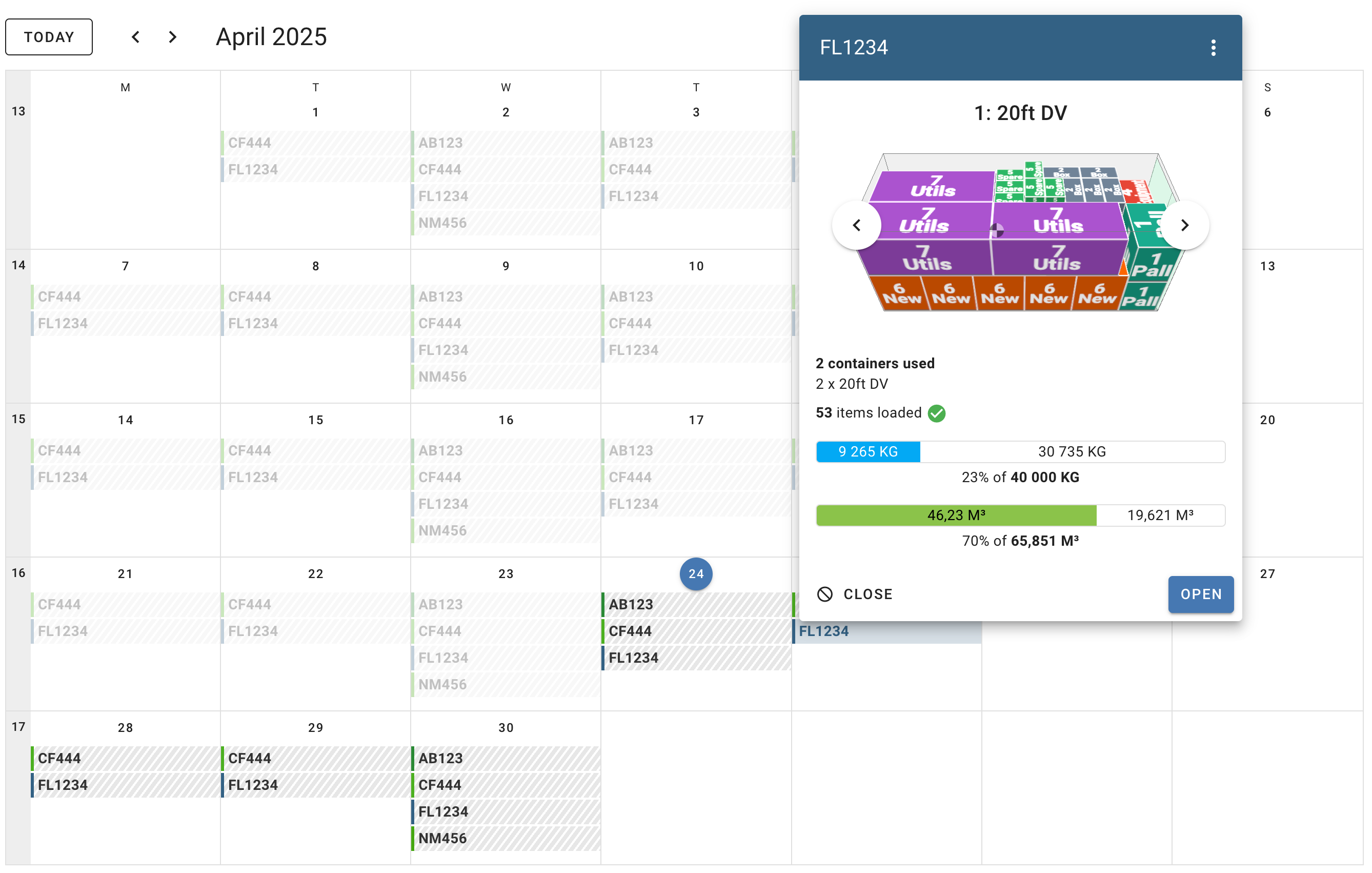
Calendar view
Save time by creating recurring schedules for your flights, shipping lanes or trucking routes
- Connect calendar events to projects
- Get an instant overview of all your loadplans in the coming month
- Quickly determine which date and lane there is enough space for your inquiry
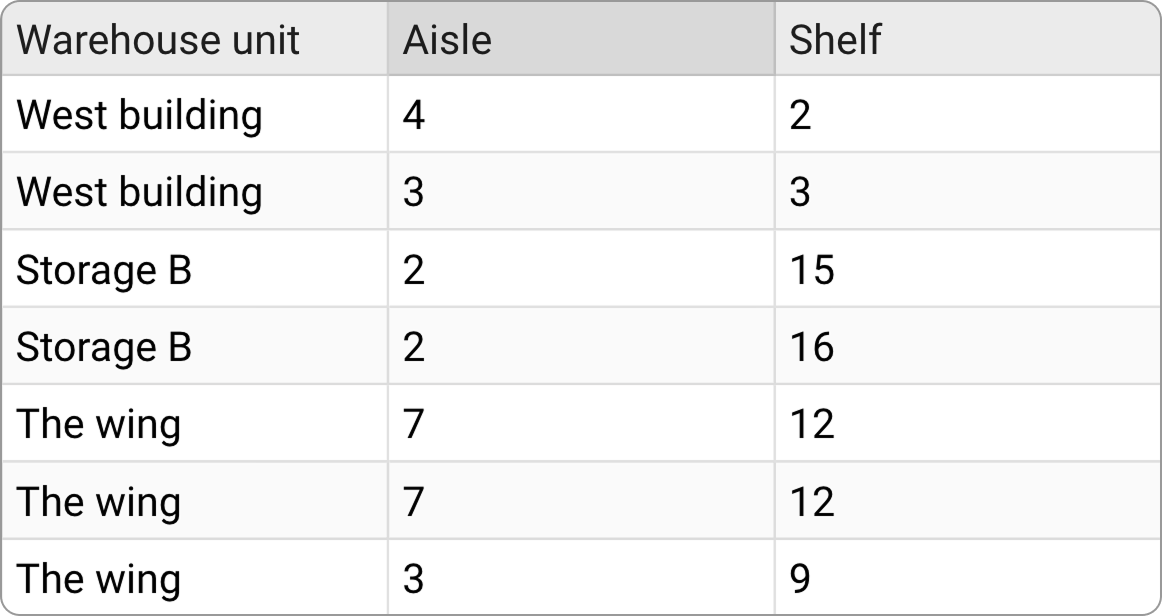
The fields your operation records
Add the columns your business needs alongside the cargo data, so the plan carries the same information the rest of your systems do.
Defaults that survive a planner leaving
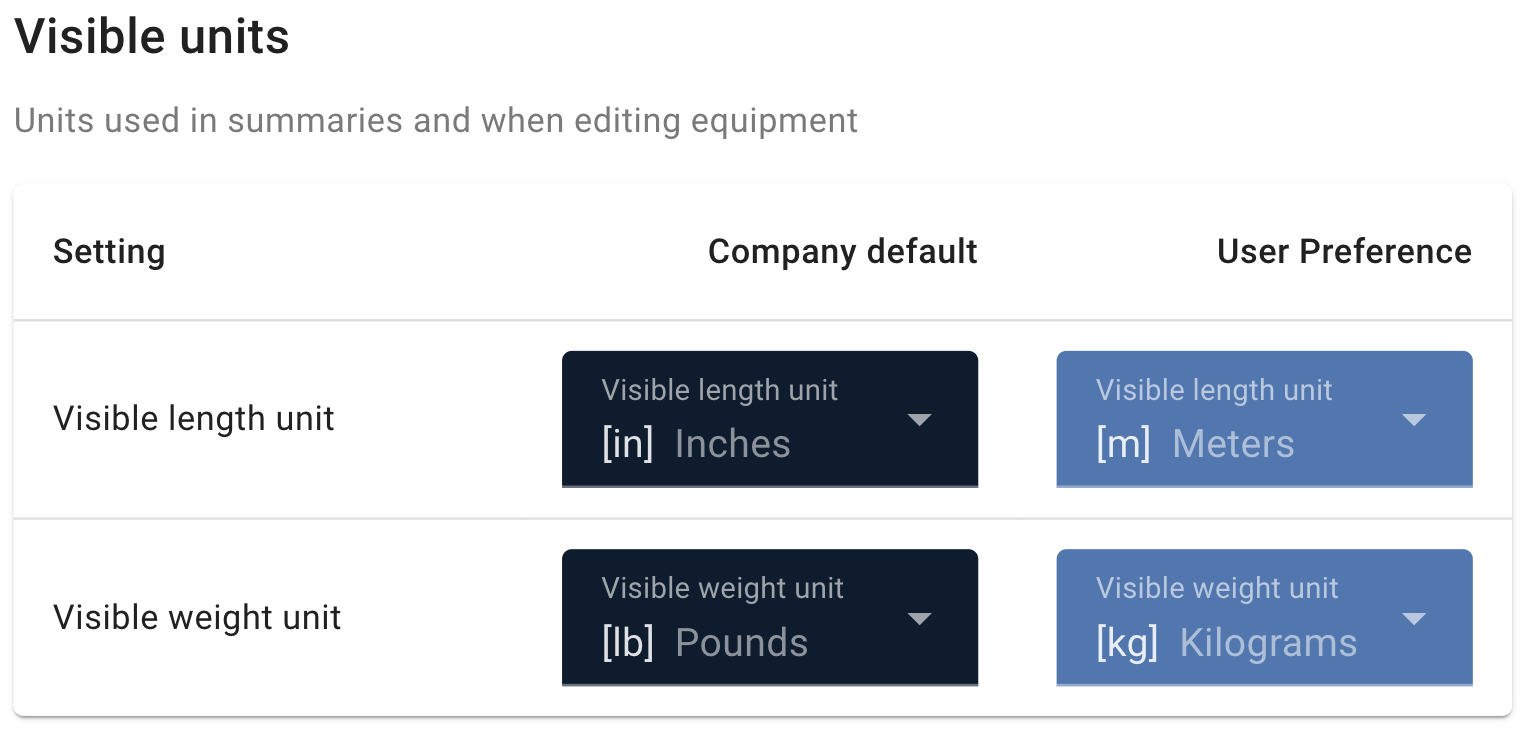
Units, equipment, rules and layouts configured at company level, so a new planner starts from how your operation works rather than from ours.
Set up your first lane
Configure the equipment and rules a recurring shipment needs, save it as a preset, and the next one starts where this one finished.
Start Free Trial