Step two
Choosing the equipment
Most evaluations end at the same question: does it handle the unit we actually run? If yours is not in anybody's library, that is the part worth testing first.












The equipment
From the library, or built to your spec
Containers, trailers, pallets and ULDs come from a maintained library that is kept current. When the unit you actually load is not in it — a supertrailer, a mezzanine deck, a whole road train — you build it once, and every plan that uses it inherits what you set.
Set container properties on the fly
You can select multiple container types for each load plan and Cargo-Planner will try to select the most appropriate one to fit your cargoes. Do adjustments on the fly like Max Loading Height, Payload, Max Volume etc...
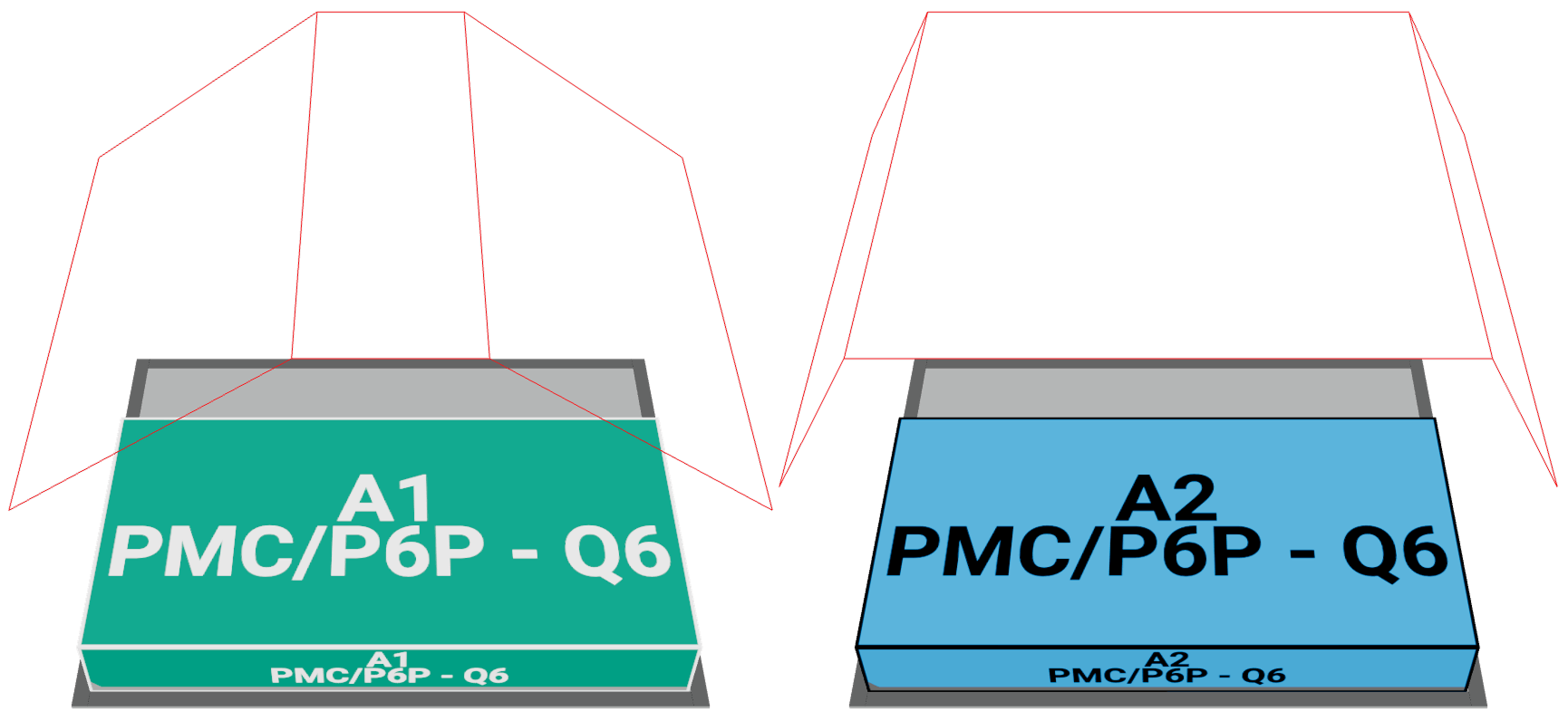
Create custom containers
CargoPlanner has a built in library with most of the commonly used containers, trailers and pallets. If you cannot find the one you are looking for it is very easy to create your own type through our interactive container builder, where you can
- Add / remove roofs, end and side walls
- Add doors
- Set front and rear axle sets with variable number of axles
- Add custom created parts like vents and shelves
- Custom contours
- Add front and rear decks as well as extra floor
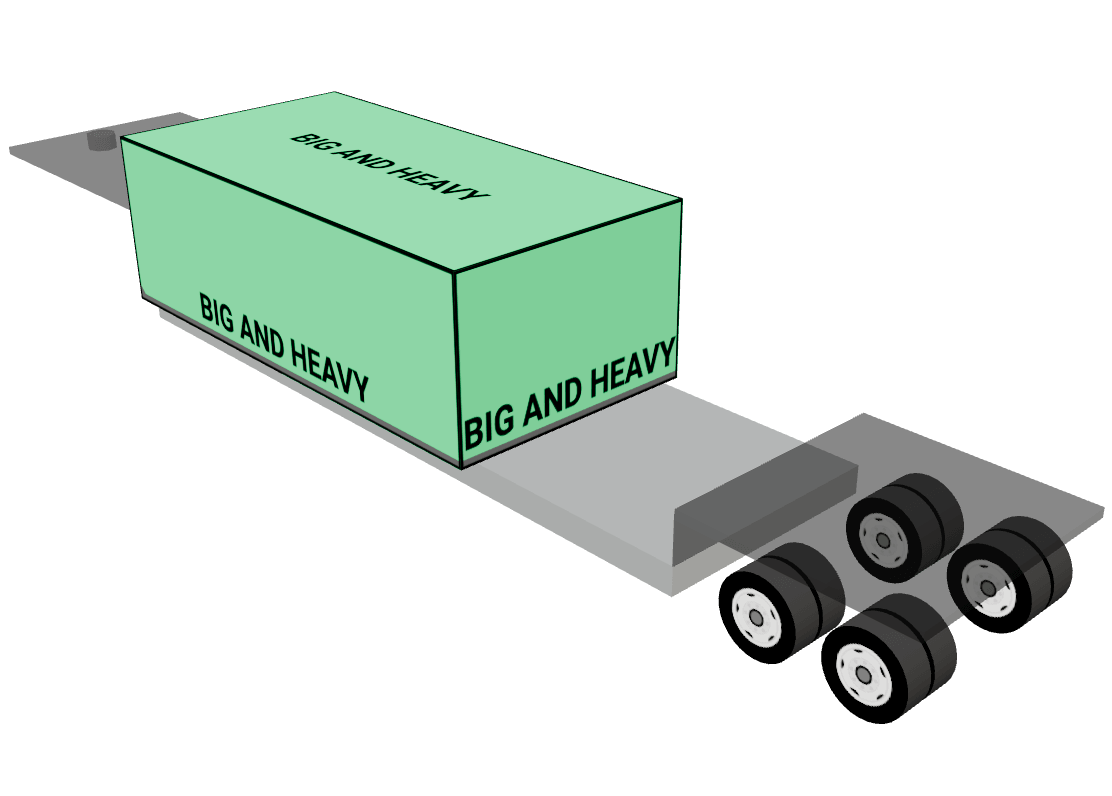
The geometry inside the box
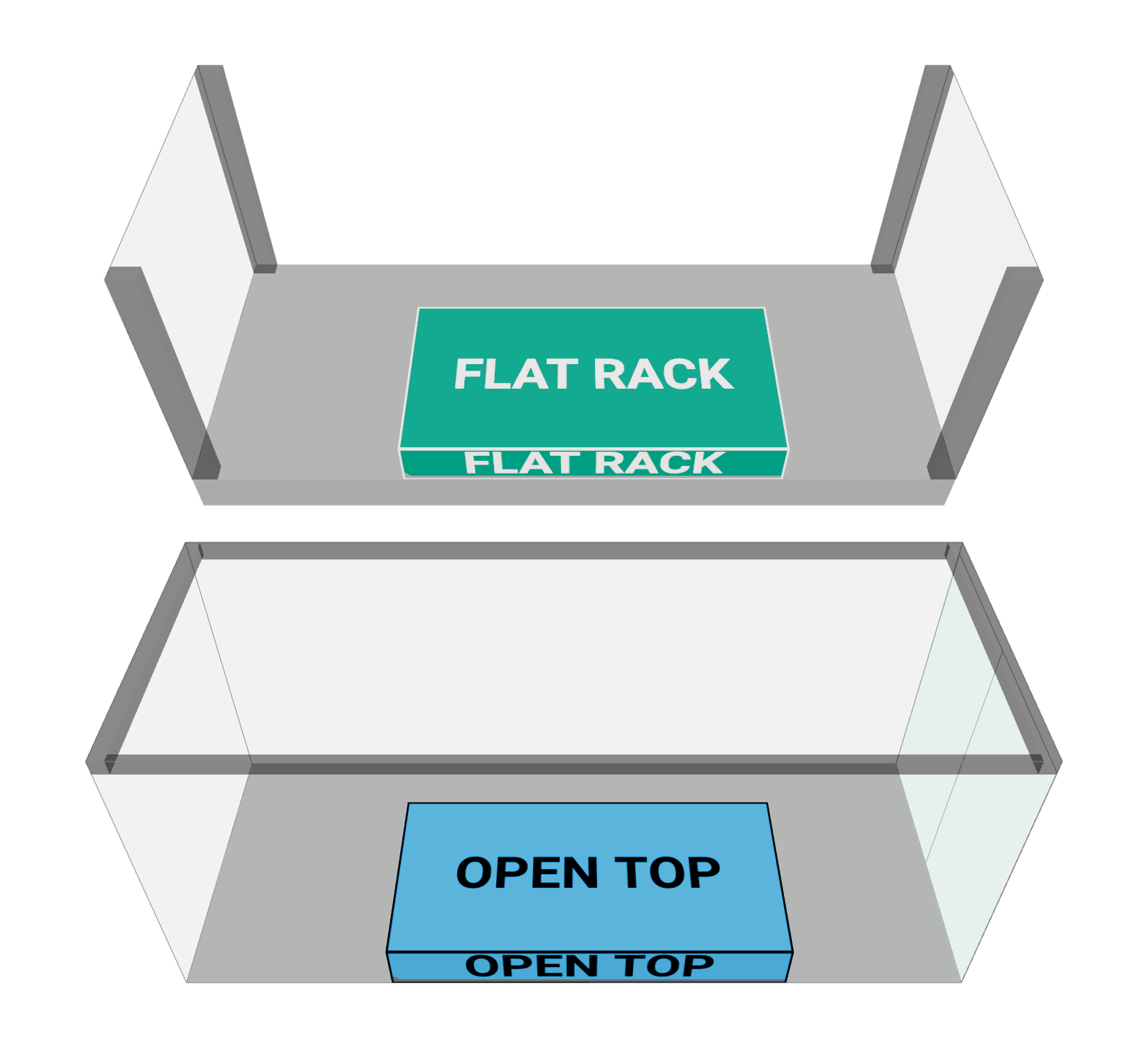
Corner posts, structural frames, internal walls and mezzanine floors are solid shapes the plan has to load around. Model them once on the equipment and every plan using it respects them.
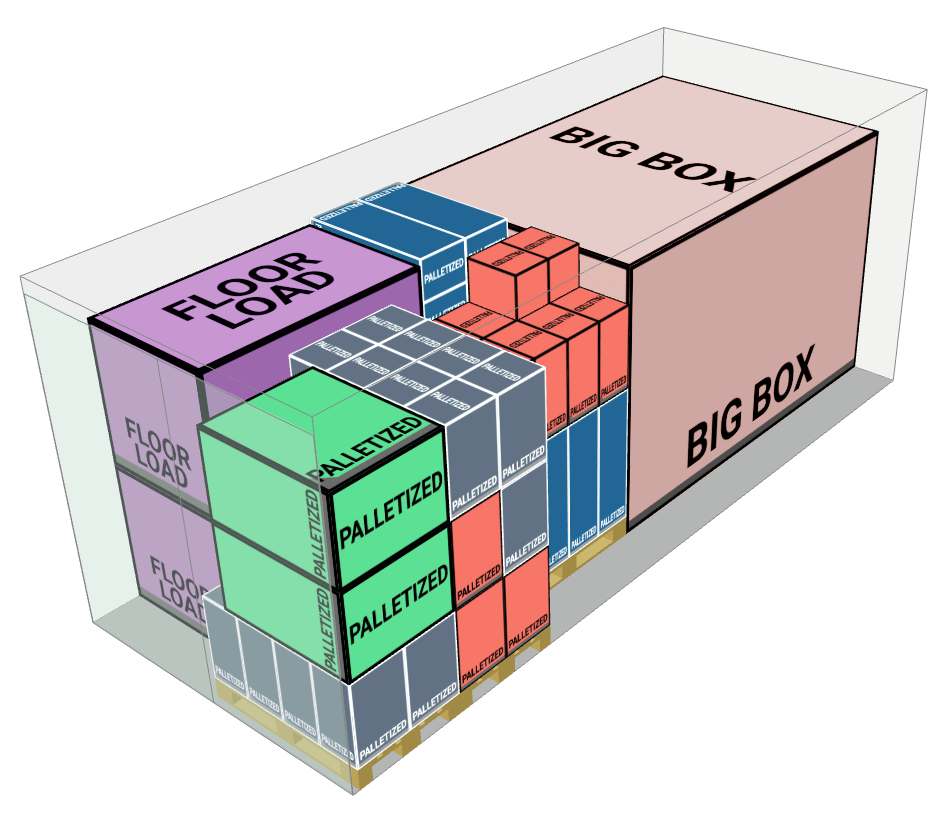
Load on pallets
If your cargoes are not palletized, you can select a pallet type and then load your cargoes on pallets before loading them on containers, trailers (or even other pallets!). Pallets do not need to be pallets - you can also create custom crates and boxes for your cargoes.
You can even load oversized cargoes on pallets.
You can even load oversized cargoes on pallets.
Axle weights, not just gross
A load can be legal on gross weight and illegal on a single axle group. Set the limits per axle group on the equipment and the plan reports back against them rather than against the total.
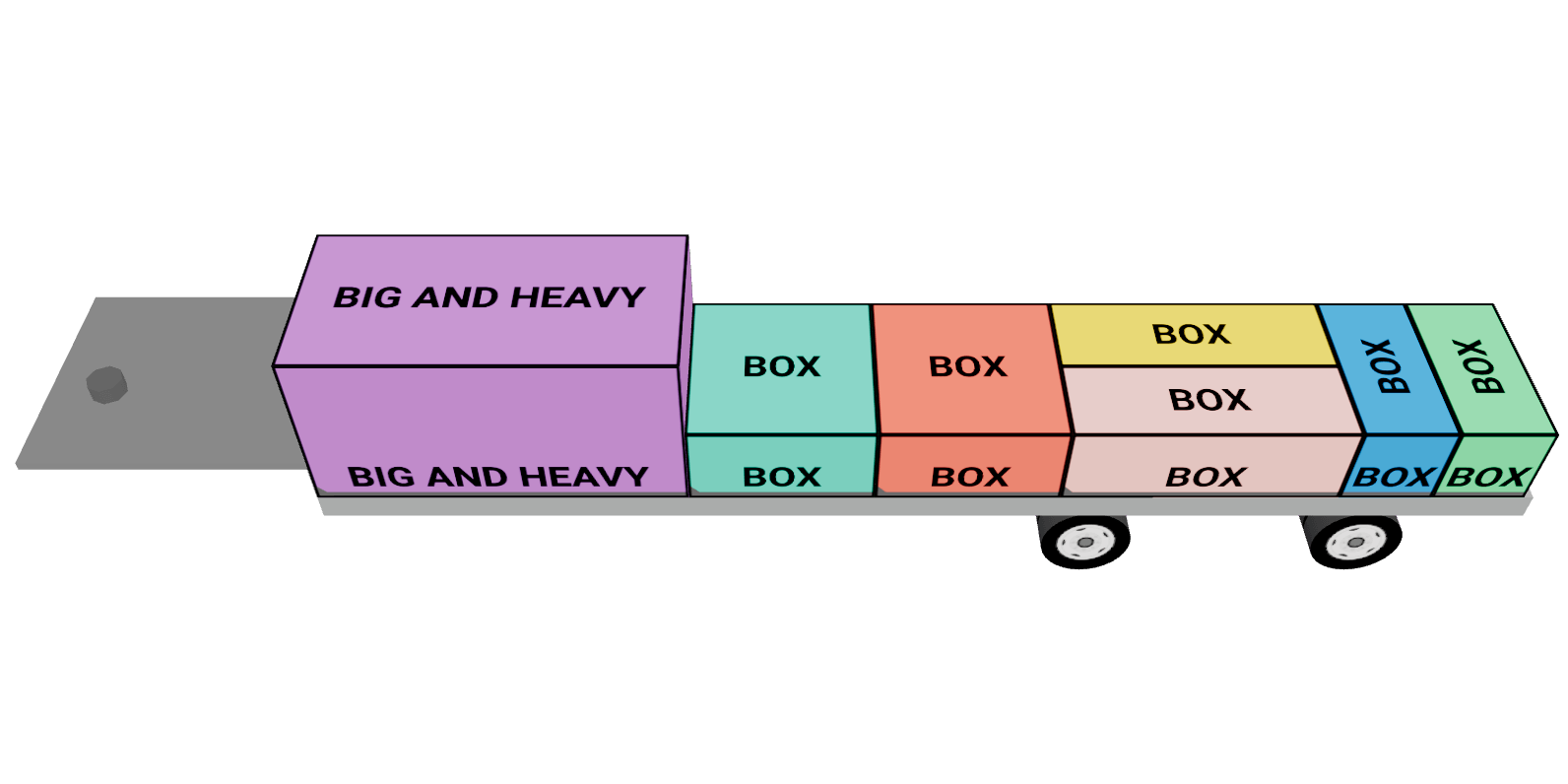
Whole vessels, aircraft and road trains
When the unit is bigger than one container — an aircraft with cargo bays, a vessel with holds, a tractor with two trailers and a dolly, a warehouse with numbered bays — Set Builder defines it as one piece of equipment and the plan places cargo across its parts.
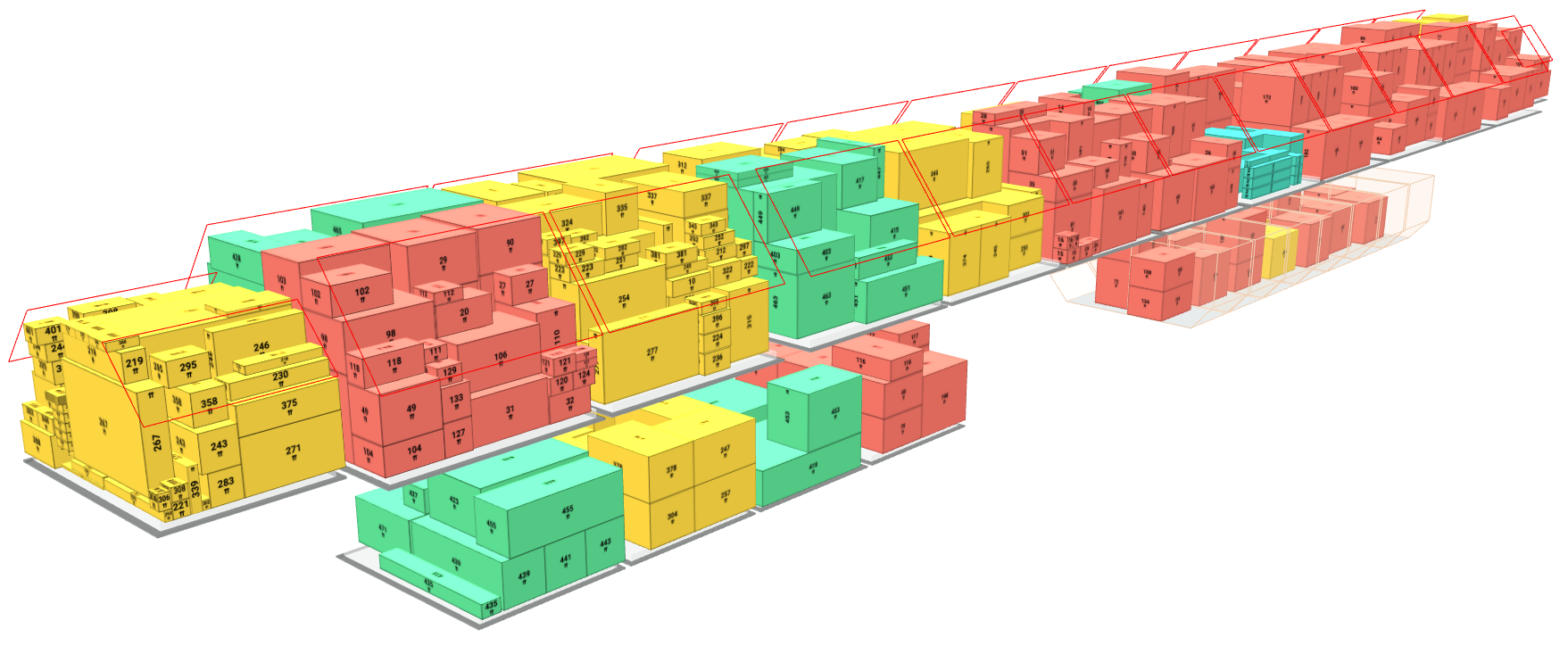
Build the trailer you actually run
If the unit you load is not in any library — a supertrailer, a mezzanine deck, a crate with its own frame — the builder is the part worth testing first. Bring the awkward one.
Start Free Trial