Step one
Getting the cargo in
Nobody buys load planning software in order to retype a packing list. The first thing it has to do is take the data you already have, in the shape it already exists, without a project to get it there.












The cargo list
However your cargo data arrives
Most lists start life as a spreadsheet, some as a catalogue you have already built, and some as a question about quantity rather than an answer to one. These are the ways cargo gets into a plan, and the properties that change what the solver is allowed to do with it.
Import from Excel
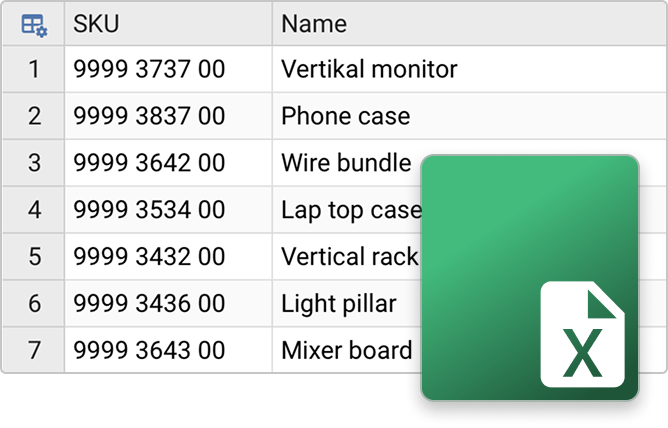
Your packing list is already a spreadsheet. Cargo-Planner reads the xlsx, maps your column names to cargo properties and lets you fix any it cannot place, set the length and weight units, pick the sheet and drop the rows you do not want — before anything is imported.
Cargo Library
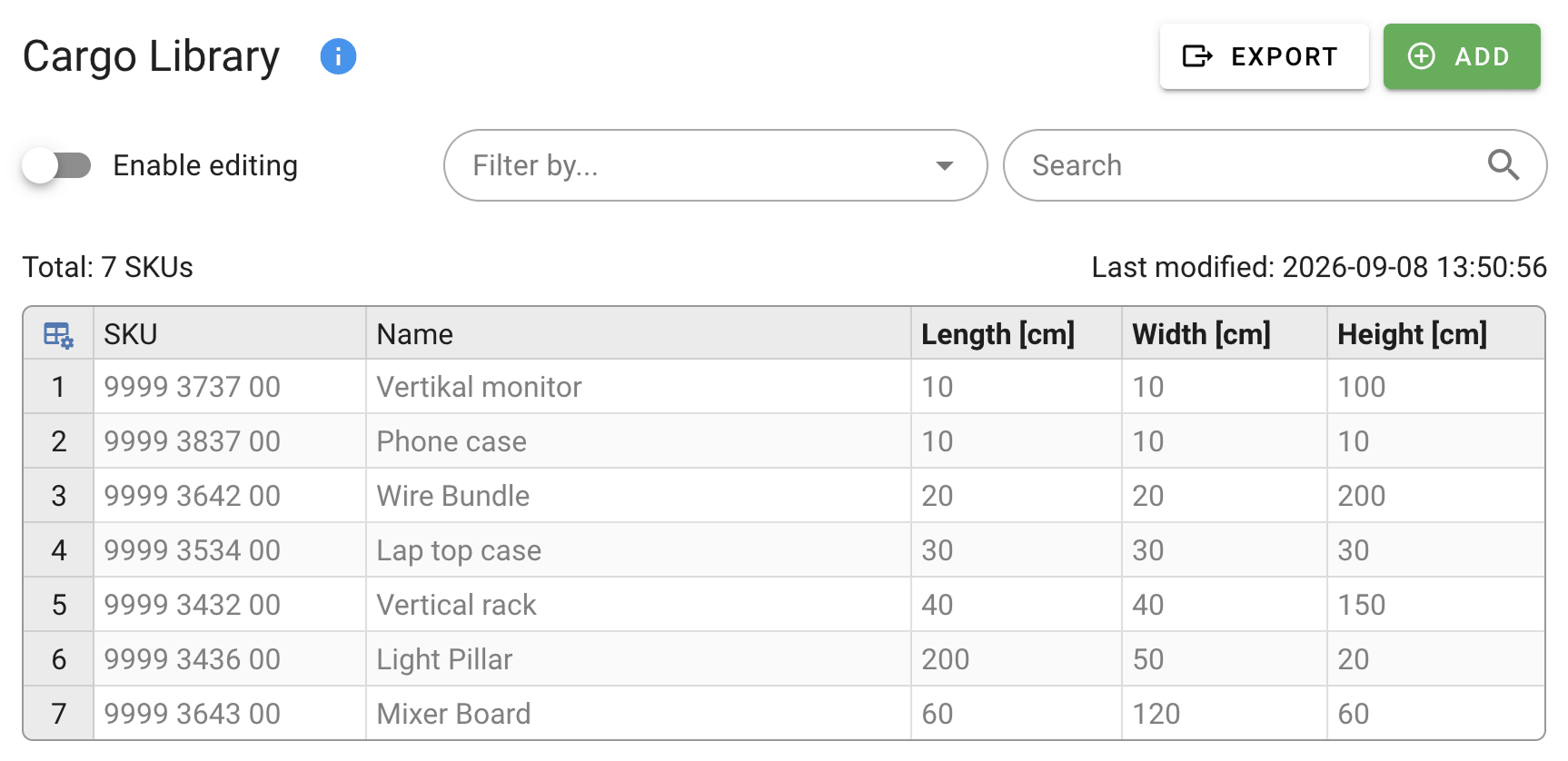
Add SKUs from your product catalogue to the Cargo Library. When creating Load plans, simply import the items you want with a single click or paste a list of SKUs to be shipped.
You can import items both from Excel files, and using our API - which you can use to keep the items in sync with your own database.
You can keep many thousands of SKUs in the library!
You can import items both from Excel files, and using our API - which you can use to keep the items in sync with your own database.
You can keep many thousands of SKUs in the library!
The properties that change the answer
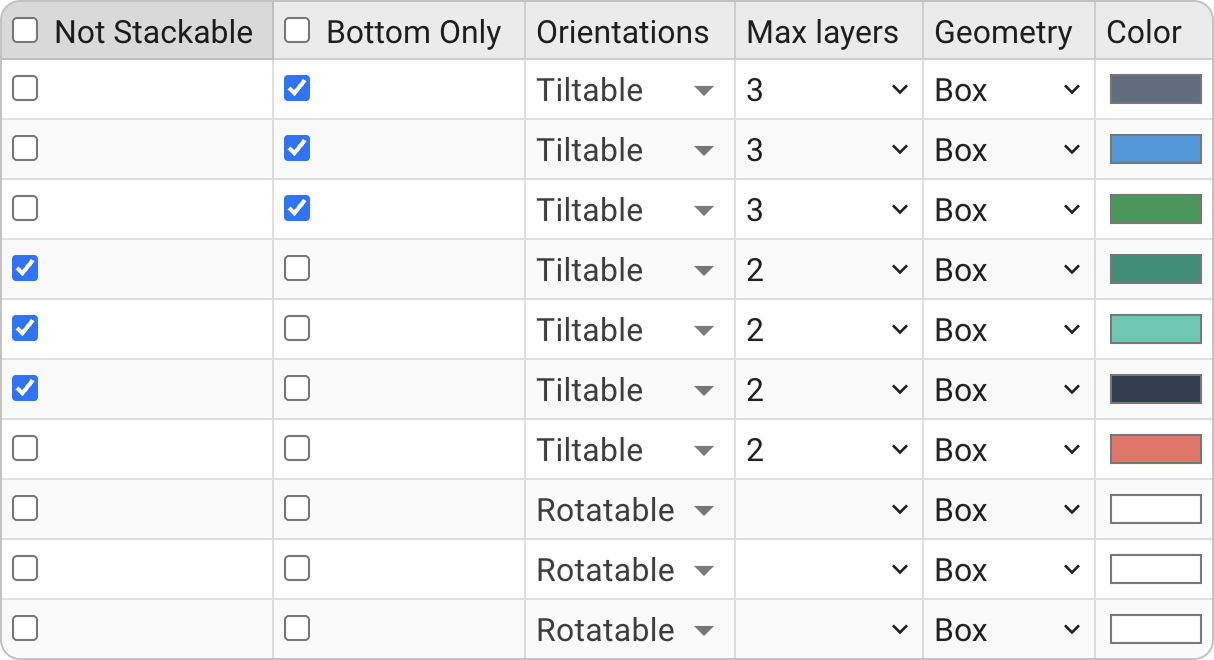
Dimensions and weight are the start. Each cargo also carries the SKU, the priority, the destination, whether it may be rotated or tilted and what it may be stacked under — and any column of your own you need to keep alongside it.
Quantity recommendations
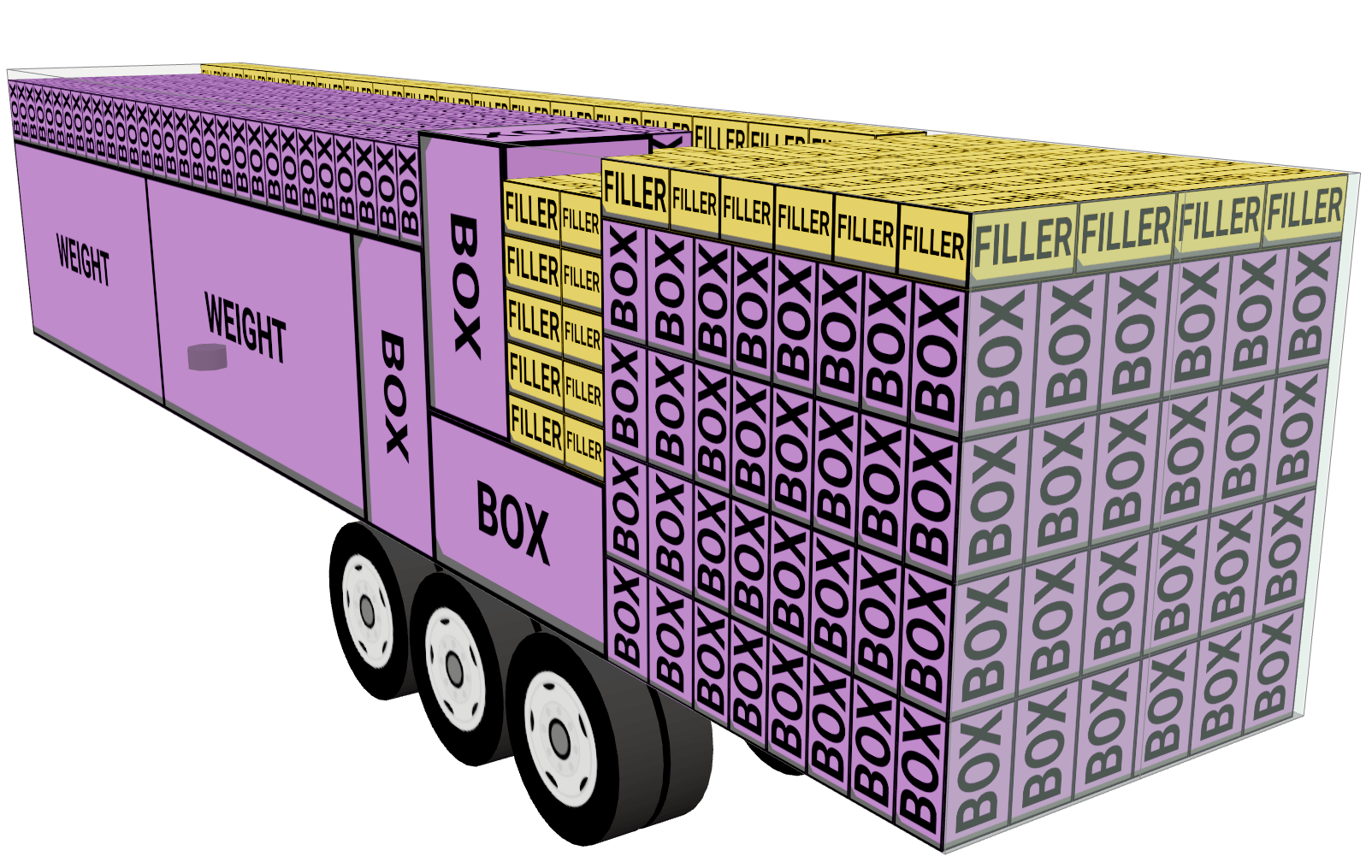
Sometimes you do not have a fixed number of cargoes to load and distribute on a certain number of containers but you would rather like the tool to tell you how many pieces of a cargo can fit into one or several types of containers. With Cargo-Planner you can easily do this, or use "fillers" - cargoes to fill up remaining space in a container when all other cargoes have been loaded
Master cartons and full pallets
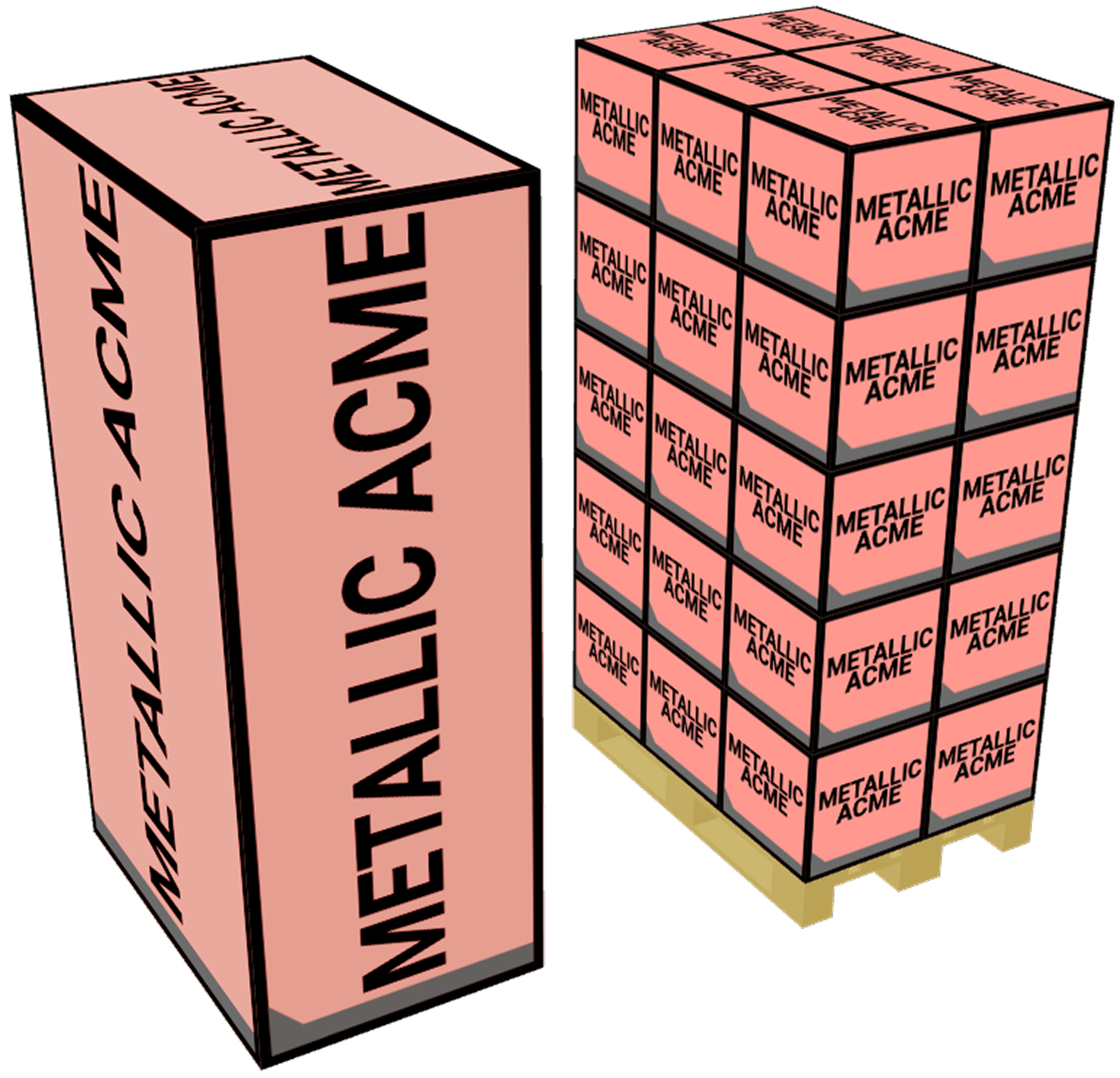
You know the single unit, the flat of twelve and how a full pallet of four hundred and sixty is packed — including the space the cardboard takes. Enter all three as one cargo and let the plan use whichever level fits.
Support for multiple shapes
Cylindrical cargoes like paper reels are hard to do load planning for - especially when they have mixed diameters. Cargo-Planner will find an optimized solution even if you add pipes and boxes.

Hollow cargo and L-shapes
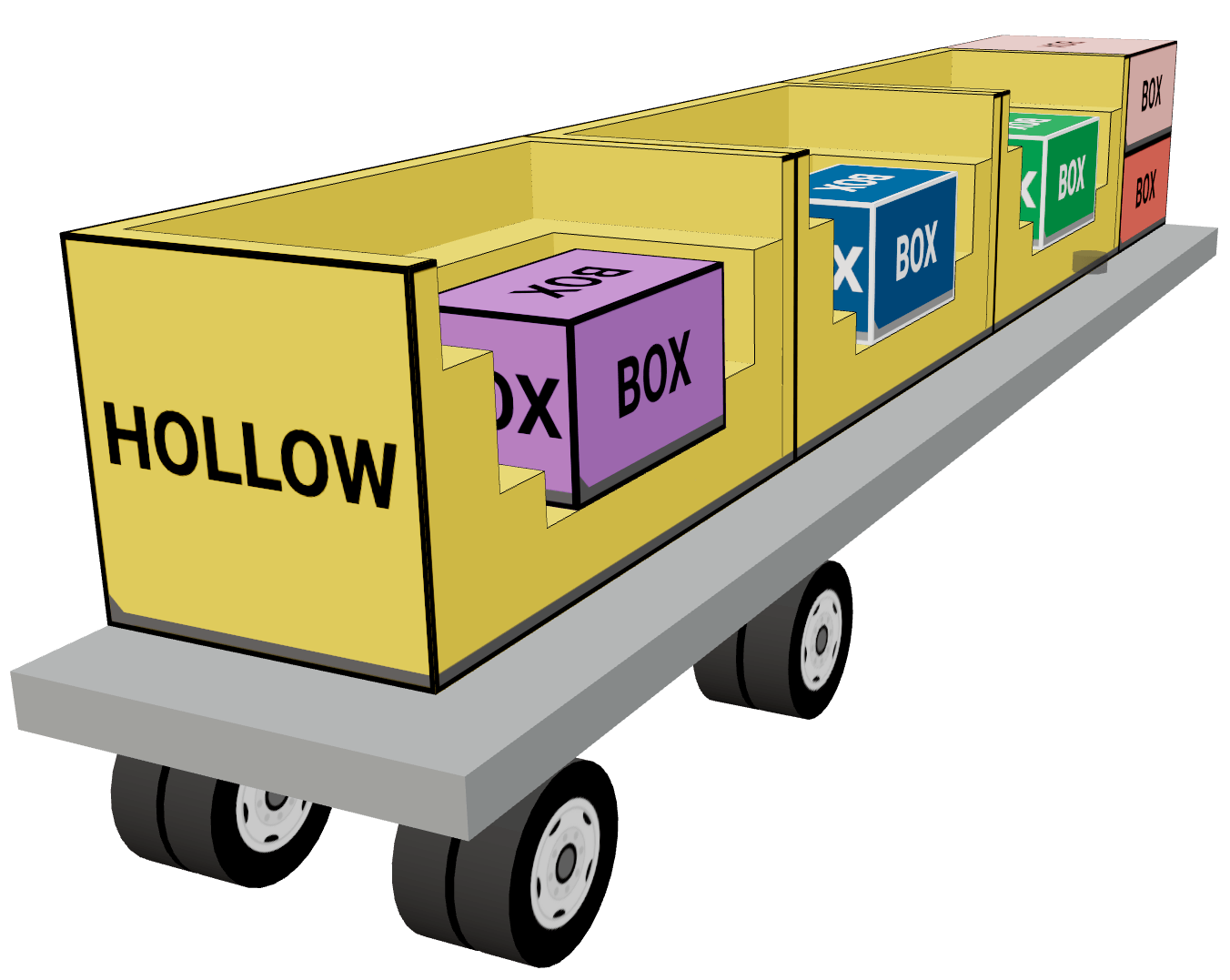
A cabinet, a shelving unit or an L-shaped desk is not a solid box, and planning it as one wastes the cavity inside it. Define the hollow area and the solver loads smaller items into it.
Try it with your own packing list
Upload the spreadsheet you were going to plan by hand and see what comes back. Nothing to configure first - the importer reads your column names and asks about the ones it cannot place.
Start Free Trial