Cargo-Planner Docs
Open containers
Open containers are sea containers with a missing wall or roof — flat racks, open tops, platforms and roll trailers. Use them for cargo that would not fit inside a closed box, is loaded from above, or is wider than the container it sits on.
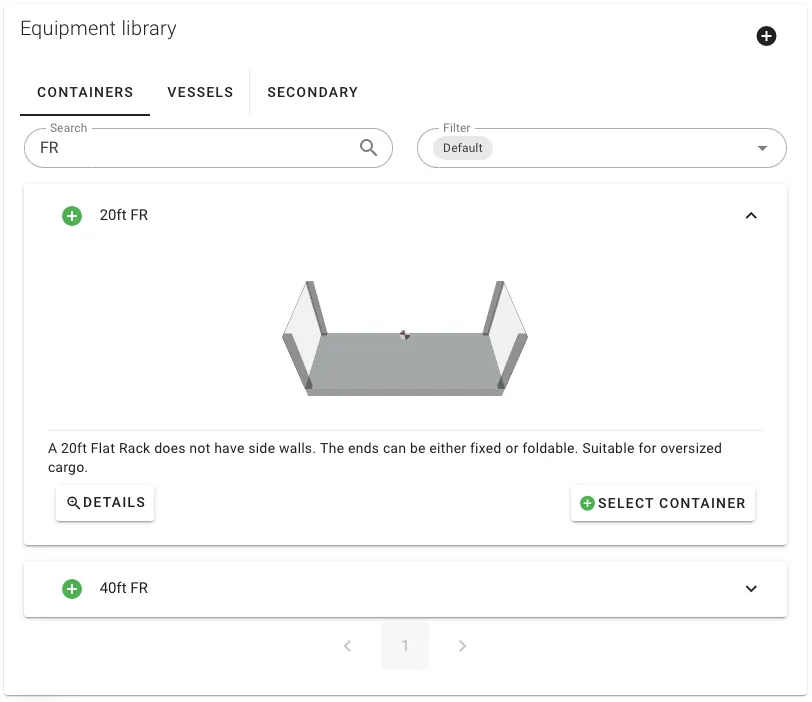
The equipment library in 2. Setup contains all four in standard sizes. Pick one, then expand its card in the selected equipment list on the right to change dimensions, payload or the geometry toggles for this load only. To make a permanent variant, open the container in the equipment editor — editing library equipment requires the Equipment Editor permission.
The four open shapes
- Open top container — roof missing, rear door retained. Loaded from above.
- Flat rack — roof and side walls missing, four corner posts, raised floor.
- Platform — floor only, no walls or roof.
- Roll trailer — rolling platform used inside ro-ro vessels.
When you build a container from scratch, the same four shapes appear as starting templates in the container editor with sensible defaults — see Custom containers.
The three geometry toggles
Every open container is defined by three flags in the container editor. They are also available on any custom container — any combination is valid.
| Toggle | What it does | Effect on cargo |
|---|---|---|
| No roof | Removes the ceiling | Cargo may extend upward past the container height, capped only by Max height if set. |
| No side walls | Removes Side 1 and Side 2 | Cargo may overhang laterally past the width. |
| No end walls | Removes Front and Rear | Cargo may overhang past the length. |
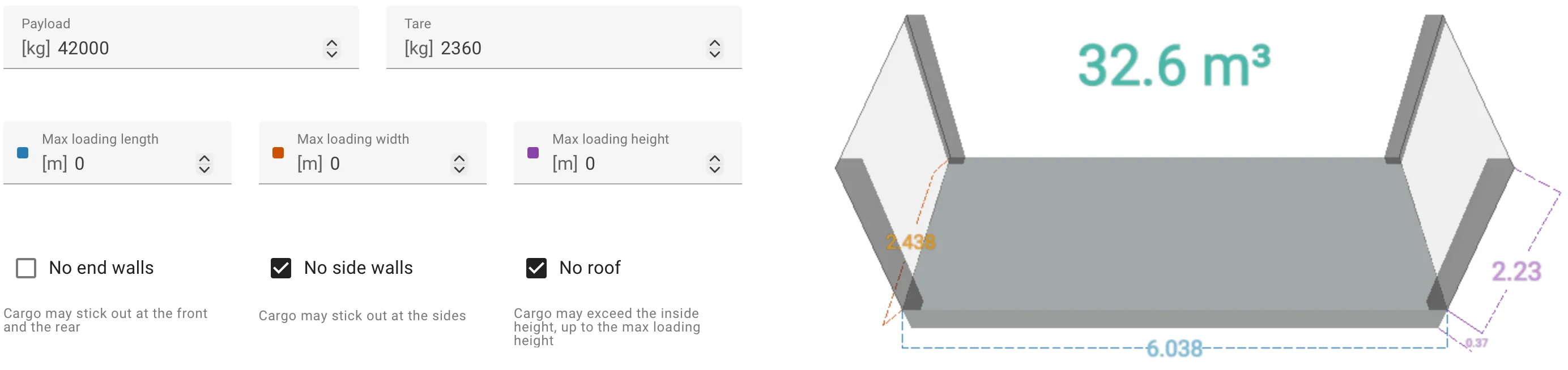
Corner posts and roof frames are not part of the toggles. They are separate components that occupy space cargo cannot overlap — the four posts on a flat rack, the roof frames on an open top.
Overhang in the interactive view
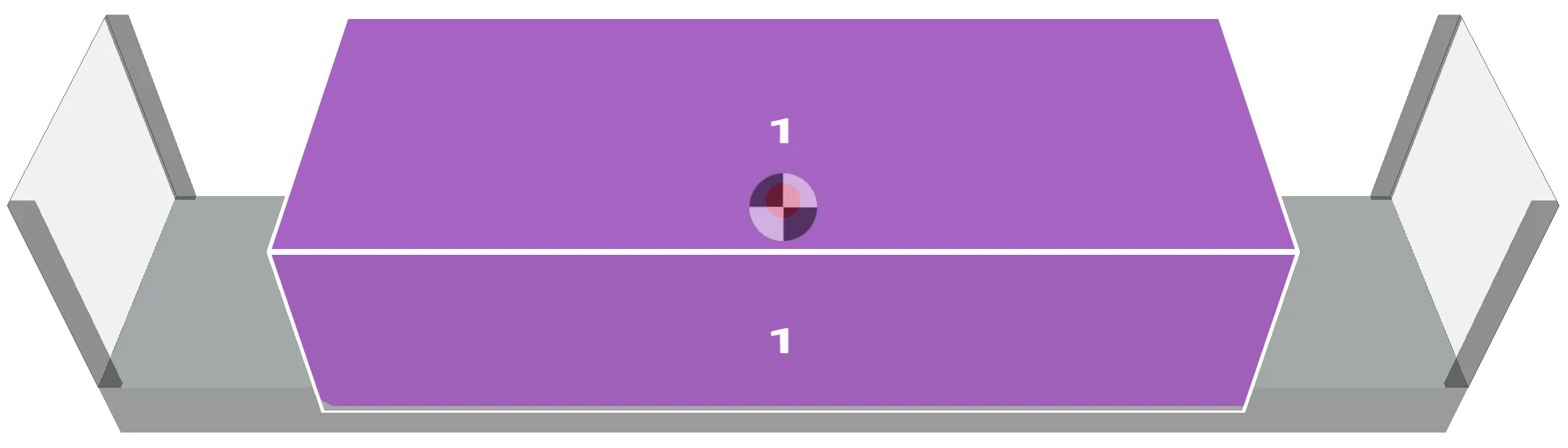
When cargo actually uses the missing wall, the interactive view draws it protruding past the container envelope. Open sides allow 33% out-of-gauge loading by default. To allow more, or less, set a Max length, Max width or Max height on the equipment — the directional limits described for out-of-gauge cargo apply here.
Building your own
The three toggles are on any container you build from scratch. Common variants:
- Curtainside sea container — start from the closed container, turn on No side walls.
- Deeper flat rack — start from the built-in Flat rack, change L, W and H in the editor.
Corner posts and roof frames carry across when you duplicate a library container. Adjust their dimensions in the Components tab — they are ordinary components once created.
Related
- Out-of-gauge cargo — allowing specific items to overhang, and the directional Max limits.
- Custom containers — the end-to-end walkthrough for building any container.
- Container components — the corner posts and roof frames that fill the open geometry.